
Software and Reporting Workflow
KingPo software and reporting guide for AnyTest setup, online communication, pilot programs, curve display, result inquiry and report generation.
What this resource helps prepare
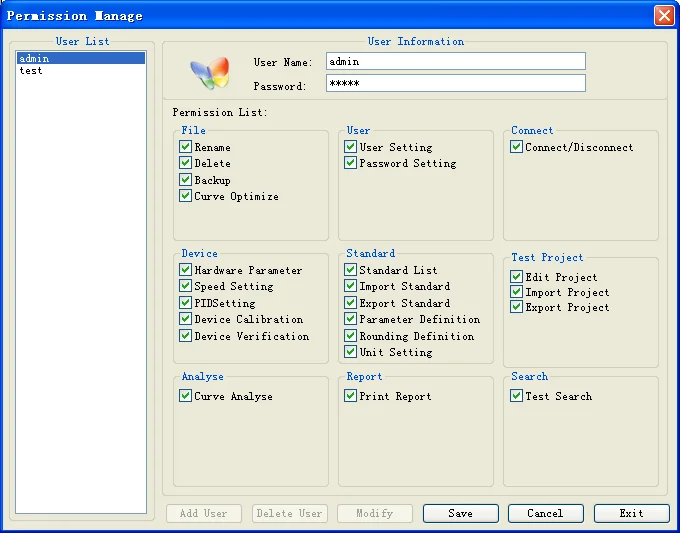
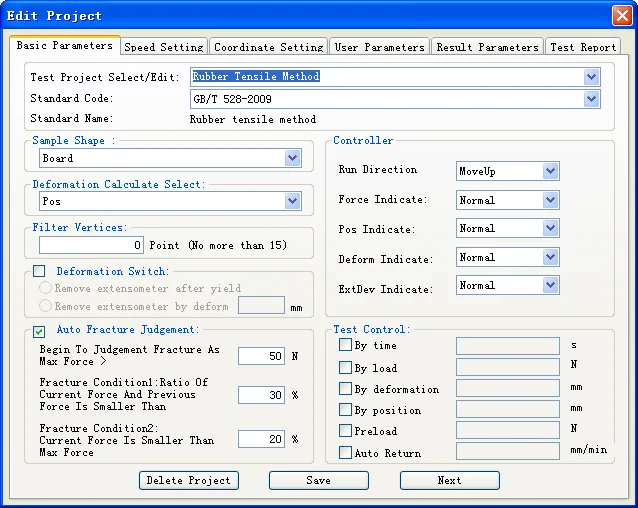
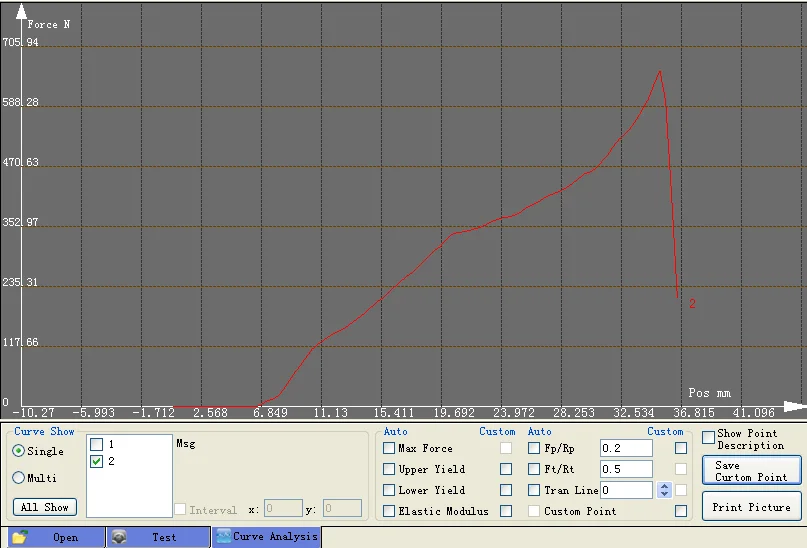
KingPo axial-load operating materials describe AnyTest software setup, online device communication, pilot program editing, velocity and coordinate settings, result settings, report template setup, record inquiry, curve display and print/preview output.
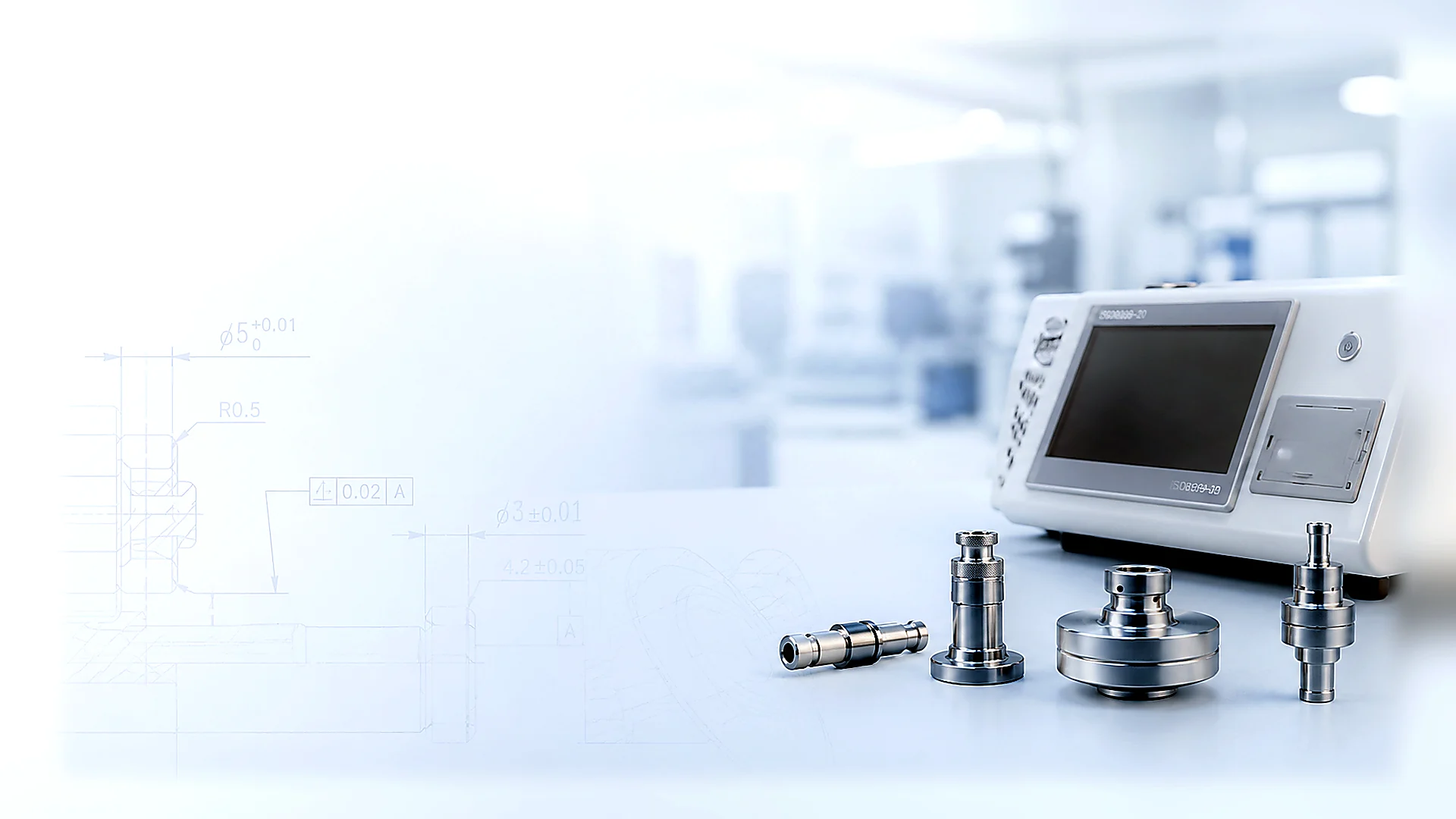
Software and report visuals help buyers prepare workflow and documentation questions before quotation.
Fields to collect before the next step
Confirm whether the inquiry needs software installation or operation guidance.
Identify program editing needs: standard code, direction, data source, filter points and control method.
Define reporting needs: report template, report title, report detail, curve display and print/preview.
State whether a blank report template or controlled example is required; customer credentials and data should not be included.
Related products and standards
Confirm the applicable standard, product family and test method, then include the required quantity, fixtures and documents with your inquiry.
ISO 80369-20 Annex F Axial Load Separation Tester
KingPo supplied documentation identifies this equipment for ISO 80369-20 Annex F resistance to separation from axial load, including force, displacement, software and report workflow context.
ISO 80369-20
Common test method relationship hub for ISO 80369 performance workflows.